I like that effect too...
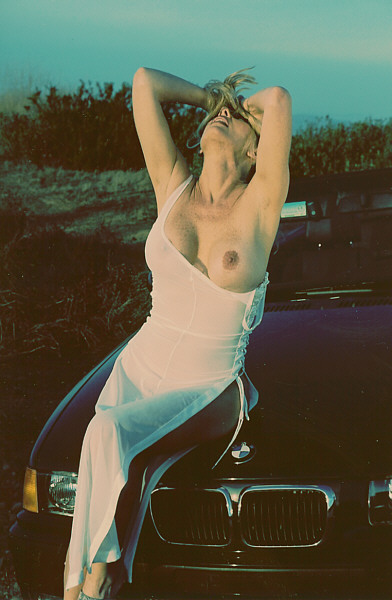
Back in the "old days" before digital, I used to intentionally overexpose the film, and when I processed it (I owned a photolab for years) I would intentionally set the OverEx bias on the Printer/Enlarger to lean a bit cyan. (plus, the paper characteristics always seemed to bias that way, especially when you shoot into the sun.
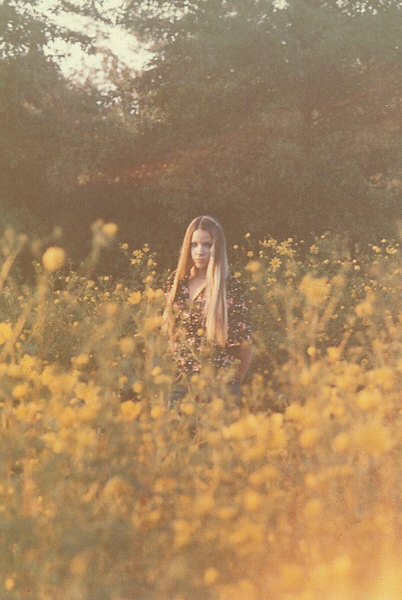
this is a scanned pic from 1980 or so that this thread reminded me of.
I like that effect too...
Back in the "old days" before digital, I used to intentionally overexpose the film, and when I processed it (I owned a photolab for years) I would intentionally set the OverEx bias on the Printer/Enlarger to lean a bit cyan. (plus, the paper characteristics always seemed to bias that way, especially when you shoot into the sun.
this is a scanned pic from 1980 or so that this thread reminded me of.
anybody know if photoshop plugins/filters can work with Photoimpact? Yes, I know I could just use Photoshop but I have been a Photoimpact user for too long now.
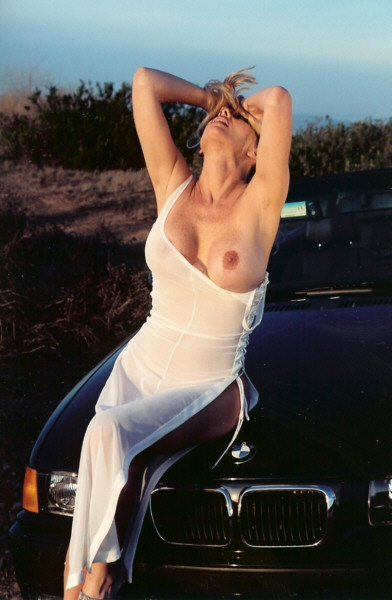
It looks like it is under exposed by around 2/3 to a full stop.
In addition to this, it appears to be spot metered for the foreground / shadow to allow the background to be over exposed in regards to the under exposure of the foreground.
I'll throw my opinion in the ring - it's digital..
the clarity of some of the snaps (esp bottom left), at least to me, give away that it's digital.
Seems to me that you could acheive it by tweaking the curves slightly - hollowing out the shadow saturation, bumping the exposure, and pushing more red / yellow through.







Comment